What a co-op actually needs from its tools
Most co-op communication boils down to five jobs: announcing plans, getting RSVPs, handing out volunteer jobs, answering quick questions, and keeping a record of what was decided. No single free tool does all five well, which is why many co-ops end up with a Facebook group, a group text and a spreadsheet that nobody can find.
The usual options compared
| Option | Good for | Watch out for |
|---|---|---|
| Facebook group | Reaching many local families, announcements, finding new members. | Everyone needs a Facebook account, posts get buried, ads and notifications distract, and it is not built for sign-ups. |
| Group text (SMS, iMessage, WhatsApp, GroupMe) | Fast day-of updates among a small group. | Shares everyone's phone number, hard to search later, noisy, and new members miss the history. |
| Email list | Weekly announcements and formal notices. | Slow for back-and-forth, easily missed, and replies-all get messy. |
| Shared spreadsheet or calendar | Volunteer sign-ups and the schedule. | Someone must maintain it, there is no discussion, and edits can break it. |
| Discord or Slack | Larger, tech-comfortable groups wanting channels. | Steeper learning curve, and most mainstream platforms set a minimum age, so check before giving kids access. |
| Lumi Circles | Plans with RSVPs, volunteer sign-ups, parent chat, a directory and an optional parent-approved kids' room, in one private place. | Only for Lumi Academy and Lumi High members, so every family in your co-op needs a Lumi plan. |
How to choose
- Small, close group? A group text plus a shared calendar is usually enough.
- Growing co-op, new families joining often? Pick one home for plans and sign-ups so newcomers can see everything.
- Kids involved? Choose a space where a parent controls access and can see what children see. See our safe online community checklist.
- Mixed set of families? Do not require tools some families will not use. Offer an email fallback.
Set a few communication rules
- Say where official announcements live, and keep it to one place.
- Set quiet hours so parents are not pinged at night.
- Keep co-op chat to co-op business and friendly talk.
- Never share another family's private details without asking.
- Agree how concerns are raised. Our bylaws template has wording you can copy.
Where Lumi Circles fits
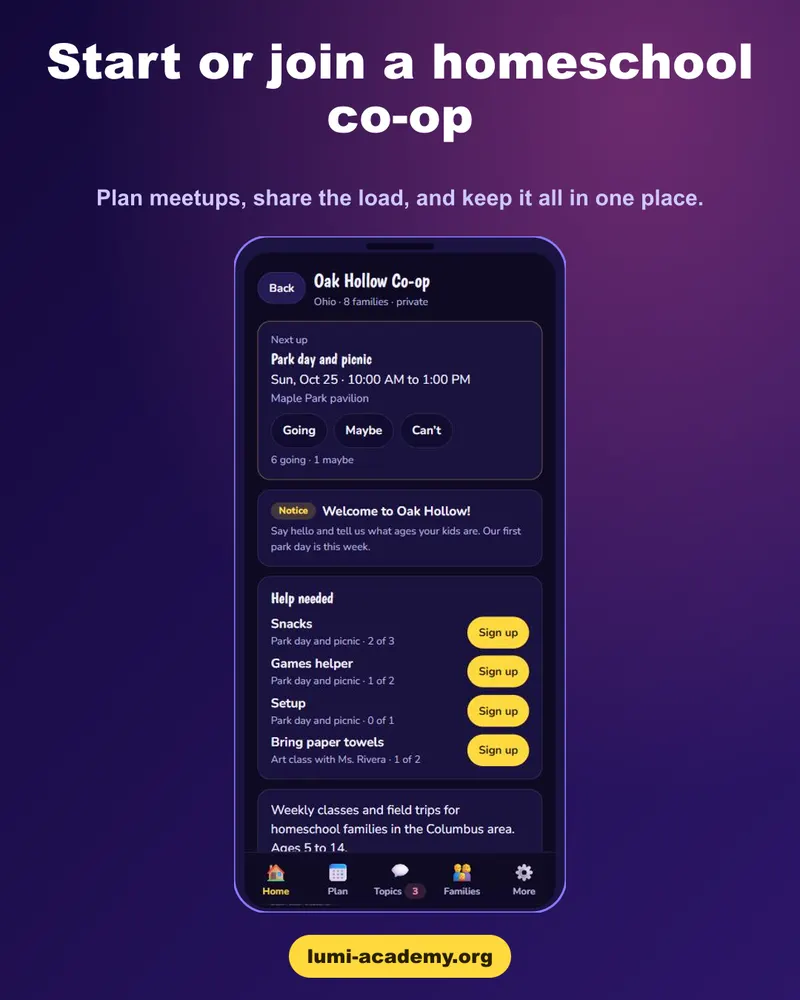
If your co-op already uses Lumi, Lumi Circles puts the plan, RSVPs, volunteer sign-ups, parent chat and co-op rules together. Invite families with a link or QR code. It is text only, with no photos or video, and the kids' room is optional and parent-approved.
One place for your co-op
Plans, sign-ups and parent chat, included with Lumi Academy and Lumi High.
Start the free 48-hour trial →- Plans, RSVPs, volunteer sign-ups and parent chat live in one private place instead of three apps.
- Invite families with a link or a QR code, and new members see the rules before they are accepted.
- It comes with Lumi Academy and Lumi High, so there is no extra tool to buy.
Start the free 48-hour trial. The free trial covers the lessons. Lumi Circles is included once you subscribe to Lumi Academy or Lumi High.
Frequently asked questions
What is the best way for a homeschool co-op to communicate?
Use one home for official plans and sign-ups, and a lighter channel for quick chat. Small groups can manage with a group text and a shared calendar; growing co-ops benefit from a single place newcomers can see everything.
Is a Facebook group good for a homeschool co-op?
It is good for reaching local families and announcements, but posts get buried, everyone needs an account, and it is not built for volunteer sign-ups.
How do you organize volunteers in a co-op?
Use a sign-up sheet with clear jobs and dates, rotate roles fairly, and keep it where every family can find it. See our free volunteer sign-up sheet template.
Does Lumi Circles replace my co-op's group chat?
It can, for families who all have a Lumi Academy or Lumi High plan. Co-ops with mixed families may keep an email fallback.